
Global Presets UI Style Guide
01. Color Palette
In this part of the style guide, you can modify each color inside the Text Module’s background settings. Use that same color code inside the Text Module below it to have a written version of the color code too. Use these color codes inside your Divi Theme Builder default color palette afterward.
After you have you have updated these, convert global colors from them to use elsewhere. (Link on how these work)
#00a79d
#324c49
#333333
#eef0f2
#ceefe7
#008f85
Gradients
#00A79D
#324C49
#CEEFE7
#b6ded9
02. Text styles
In the second part of this style guide wireframe, you can style your different text types. You’re also provided with a primary, secondary and tertiary option, each of which you can afterwards turn into individual presets.
Once this section is approved, we will set go to Customizer to set these defaults for the site. For now, we are just doing on-page styling.
Heading Style 1
Heading Style 2
Heading Style 3
Heading Style 4
Heading Style 5
Heading Style 6
Button
Blurb

Your Title Goes Here
Your content goes here. Edit or remove this text inline or in the module Content settings. You can also style every aspect of this content in the module Design settings and even apply custom CSS to this text in the module Advanced settings.
Email optin
Contact form
Image
Call to action
Your Title Goes Here
Your content goes here. Edit or remove this text inline or in the module Content settings. You can also style every aspect of this content in the module Design settings and even apply custom CSS to this text in the module Advanced settings.
Divider
Person

Name Goes Here
Position
Your content goes here. Edit or remove this text inline or in the module Content settings. You can also style every aspect of this content in the module Design settings and even apply custom CSS to this text in the module Advanced settings.
Name Goes Here
Position
Your content goes here. Edit or remove this text inline or in the module Content settings. You can also style every aspect of this content in the module Design settings and even apply custom CSS to this text in the module Advanced settings.
Social Media Follow
Toggle
Your Title Goes Here
Your content goes here. Edit or remove this text inline or in the module Content settings. You can also style every aspect of this content in the module Design settings and even apply custom CSS to this text in the module Advanced settings.
Testimonial
Your content goes here. Edit or remove this text inline or in the module Content settings. You can also style every aspect of this content in the module Design settings and even apply custom CSS to this text in the module Advanced settings.
Video
Accordion
Your Title Goes Here
Your content goes here. Edit or remove this text inline or in the module Content settings. You can also style every aspect of this content in the module Design settings and even apply custom CSS to this text in the module Advanced settings.
Your Title Goes Here
Your content goes here. Edit or remove this text inline or in the module Content settings. You can also style every aspect of this content in the module Design settings and even apply custom CSS to this text in the module Advanced settings.
Blog

Google Business Profile Maintenance for Landscapers: What to Fix Every Month
Many landscaping companies set up their Google Business Profile, add a few photos, and then forget about it. While that may seem sufficient, an inactive profile can slowly lose visibility over time. Google Business Profile is not a one-time setup. It is an ongoing...

Landscaping CRM Setup: Simple Pipeline Stages for Quotes, Follow-Ups, and Repeat Jobs
Many landscaping companies start by managing leads through text messages, emails, sticky notes, and memory. While that may work when you have only a few inquiries each week, it becomes difficult to stay organized as your business grows. A Customer Relationship...
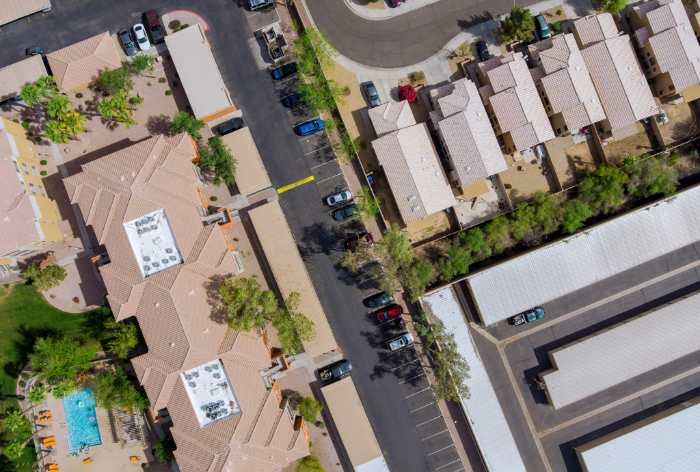
Commercial Landscaping Marketing: How to Win Property Manager, HOA, and Facility Leads
Many landscaping companies eventually reach a point where they want larger, more predictable accounts. Commercial properties, homeowner associations (HOAs), apartment communities, and facility-managed properties can provide recurring revenue and long-term contracts...

Small Landscaping Business Growth: More Leads Without More Driving
Growing a landscaping business is not only about getting more leads. It is about getting the right leads in the right neighborhoods, so your crews spend more time working and less time driving. Route density, local SEO, targeted Google Ads, and simple automation all...

Small Business Marketing for Landscapers: Local SEO + Follow-Up That Produces Calls
Marketing for a landscaping business works best when it helps the right local customers find you, contact you, and get a timely response. For small crews, this matters because every missed call, slow reply, or unclear website can turn into lost revenue. If you want a...

Google Analytics for Lawn Care Companies: Proving Which Marketing Produces Booked Jobs
Google Analytics helps lawn care companies understand which marketing efforts are actually producing results. It shows how people find your website, what they do after they arrive, and which actions lead to calls, forms, and booked jobs. This matters because marketing...

Google Ads for Landscaping: How to Adjust Campaigns When the Schedule Goes Wild
Google Ads can be useful for landscaping companies because it allows you to control which services, locations, and search terms receive attention. However, campaigns need to change when your schedule changes. A business that is fully booked should not advertise the...

How to Keep Bookings Steady When Demand Shifts
Landscaping demand rarely stays the same from week to week. One week may be full of quote requests, cleanups, and maintenance calls. The next week may slow down because of weather, seasonality, customer delays, or scheduling gaps. Marketing automation helps smooth out...

How to Stop Losing Leads During Busy Weeks
Busy weeks are usually good for lawn care companies, but they can also create a hidden problem. When crews are in the field, calls get missed, form submissions sit too long, and new leads start contacting competitors. The work is coming in, but the follow-up system...
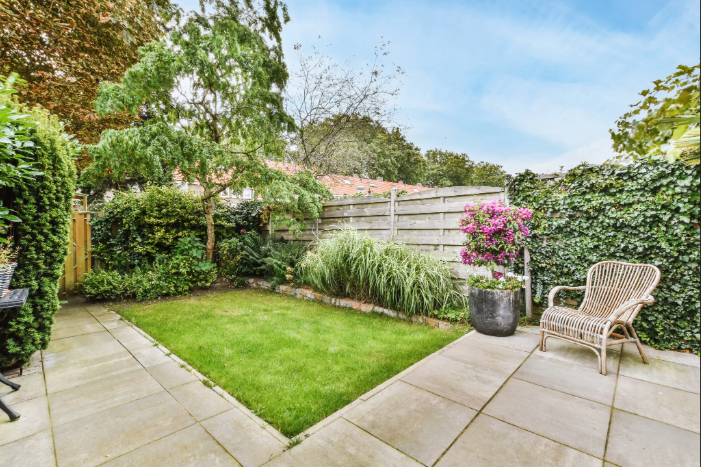
How to Look Premium Without a Big Budget
A lawn care business does not need a huge budget to look professional. In many cases, small improvements can change how customers see your company before they ever speak with you. Branding is not just a logo. It is the full impression people get from your trucks,...
